Webhooks for dummies
Dummies, remember, don't put the hooks in your mouths.

Webhooks are curious concepts and ones that I had a hard time figuring out at first. It’s a big leap - sort of like walking backwards - but its one that can be useful because it turns the entire conceptual workflow of a solution on its head. Instead of you calling an API, someone calls your API. And there are a lot of uses for this, so we’re going to dive right in ….
API calls
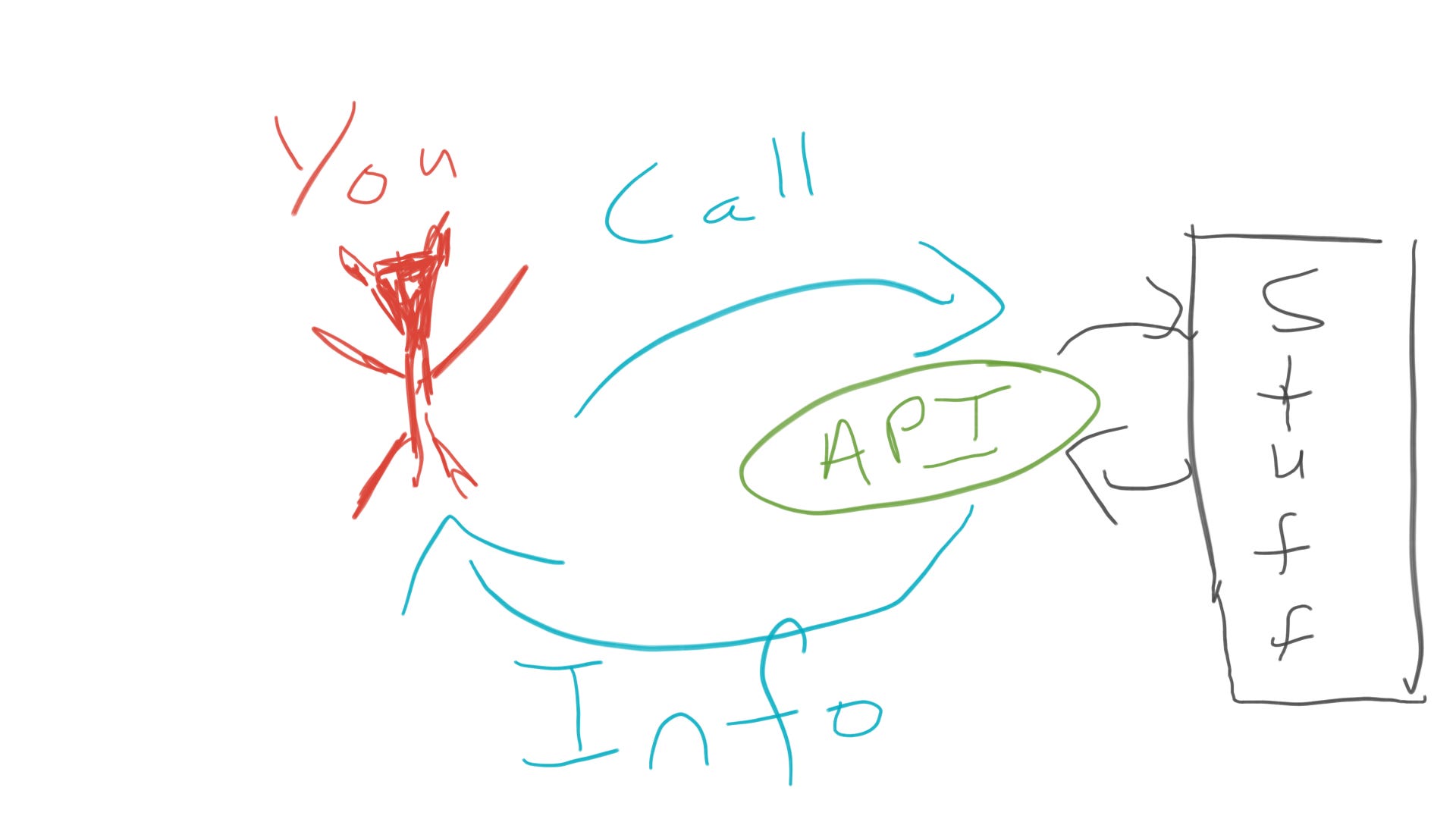
This is how most API calls happen, you call an API that you want information from. This happens across networks and within a program or operating system too. “You” can be you, the user or whatever scripts have been written in whatever program. This is the same concept from the lowest to the highest levels of scripting.
However, at the highest level, a new concept has emerged based on the event of the API being called itself.
APIs on APIs on APIs (Webhooks)
Let us consider what an event is in this context. An event is an API being called or triggered. When that occurs, something happens behind the API that logs that such a call has occurred and what exactly has been called. That log can also trigger an event, which can then be used to trigger another API if it can reach that API. And that’s pretty much how it works.
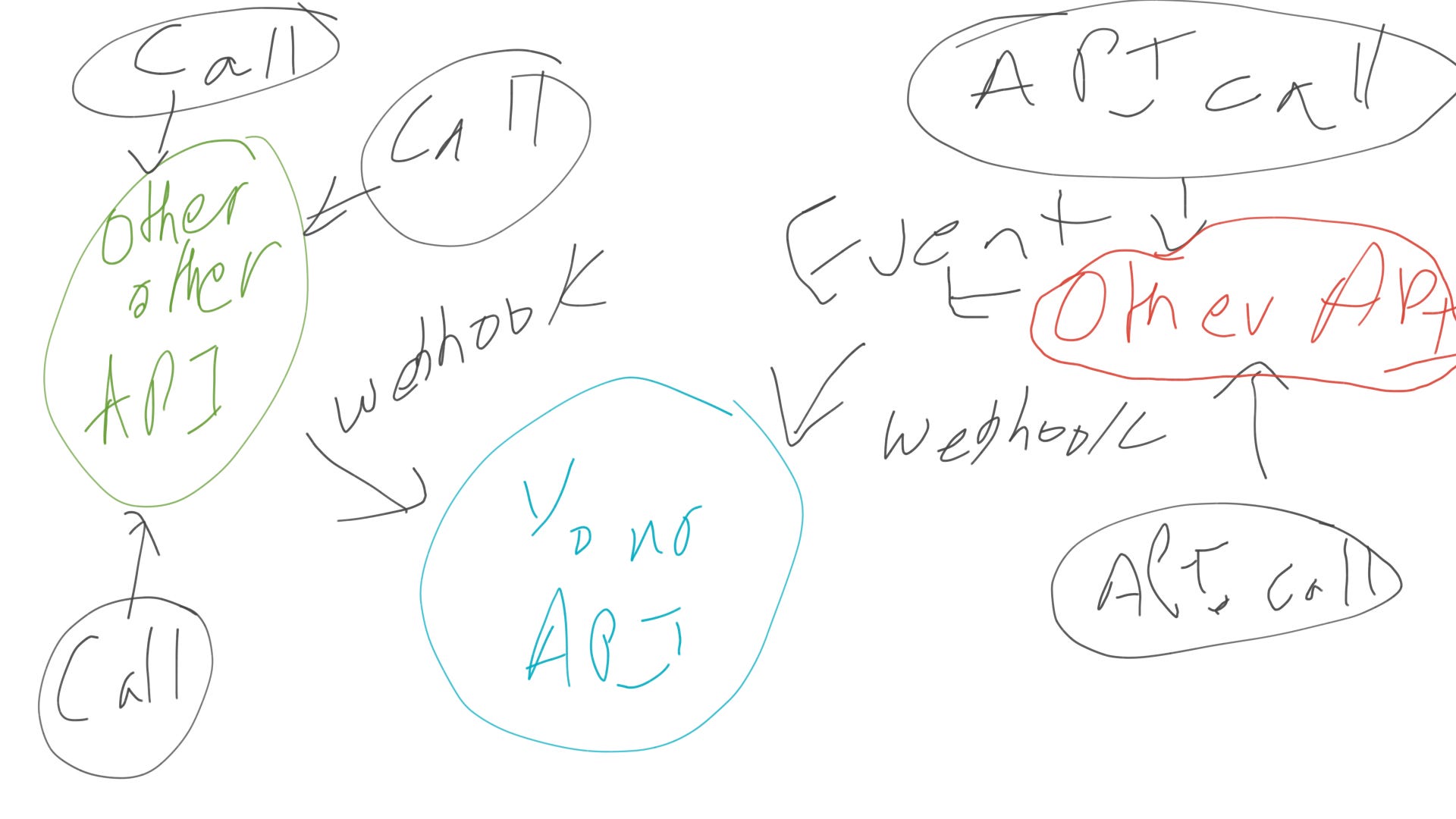
And diagrammatically here, you can already see an advantage of webhooks. If you are collecting data or events from multiple sources, you can set up multiple webhooks on one API and handle them that way. The other advantage is, as I mentioned, the reverse flow. If you need something to call your API instead of you having to call that API you can easily achieve this with webhooks.
Small example case
We’re now going to look at the webhook for the project management app ClickUp. The API call to use the webhook looks like this:
{
"endpoint": "https://yourdomain.com/webhook",
"events": [
"taskCreated",
"taskUpdated",….
],
"space_id": 1234,
"folder_id": 5678,
"list_id": 9876,
"task_id": "abc1234"
}
The endpoint is the API that the webhook will call, and the events are the events that will trigger the webhook to call that event and the other IDs specify locations. You need the API key for ClickUp to make this call, but that is easily found and the documentation (found here) will give you instructions on how to do it in a number of languages (Notion and Jira work similarly as well, I believe). Then you need to setup your API to handle the incoming event and you will have configured a proper webhook.
great job, you have published another article. now you have yet another article published under your name. you are doing so many things. very cool guy. are you gay, though? where are the girls?